
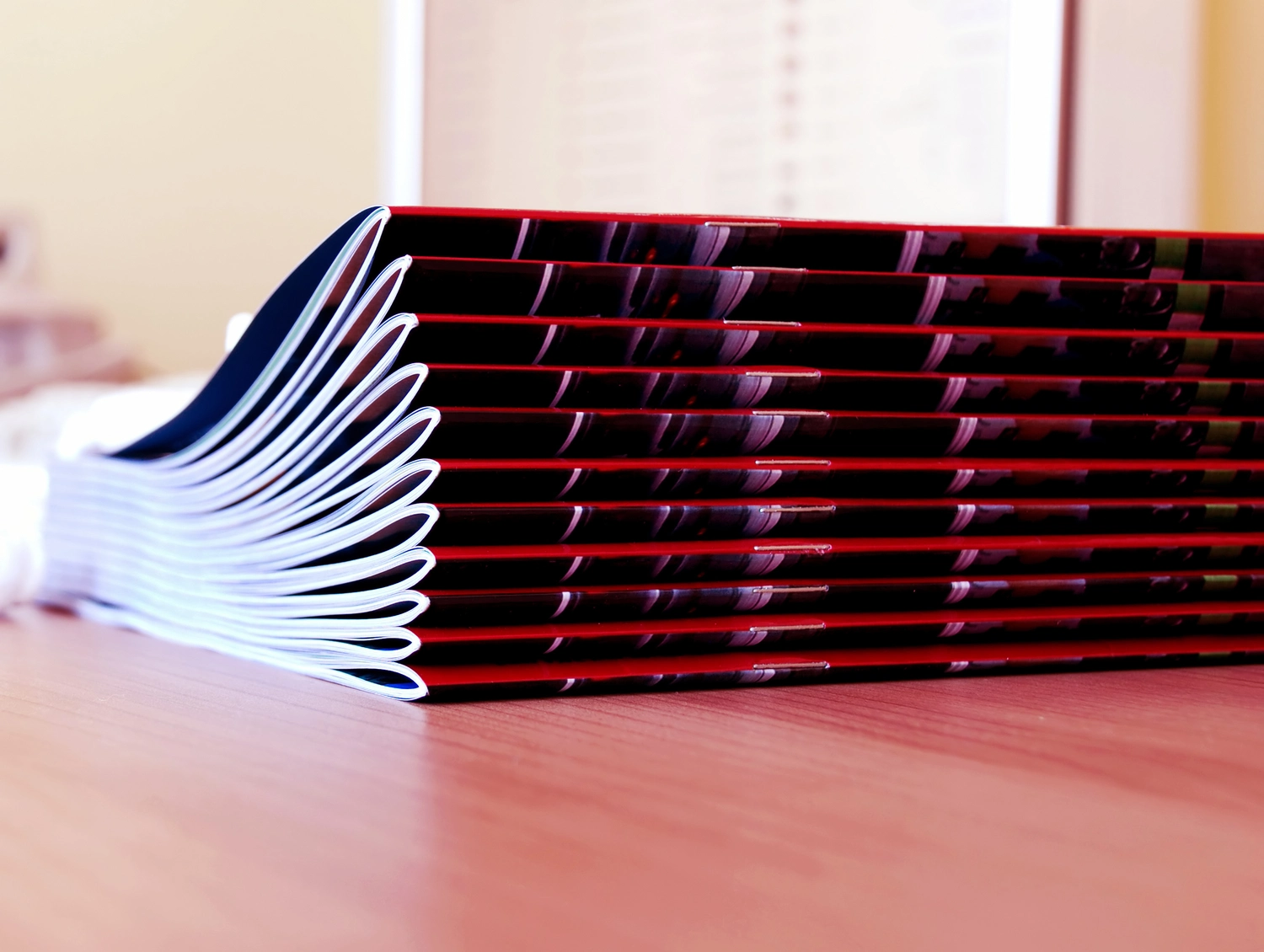
We're the last step in your booklet: printing, folding, stapling and trimming. The ones that come out tidy are the ones whose file is set up properly before it reaches us. Here's what to check.
How saddle stitching works
We fold printed sheets in half, nest them inside each other and staple through the spine. The staples sit in the fold, so the booklet closes neatly with a flat folded edge. We print booklets for many different jobs, including annual reports, event programmes, newsletters, funeral brochures, learning materials and business brochures.
If you have too many pages for a booklet, we'll let you know and we can talk through other binding options with you before anything is printed.
Get the page count right
The number of pages in a saddle-stitched booklet needs to be divisible by 4. One sheet folded once gives four pages, so you'll need 4, 8, 12, 16, 20 pages and so on. If your document has 22 pages, you'll need two more to reach 24. You can add blank pages, or add extra content pages if you'd rather not have blanks. Please decide where the extra pages go before you send the file, so the booklet reads the way you want.
Send single pages in reading order
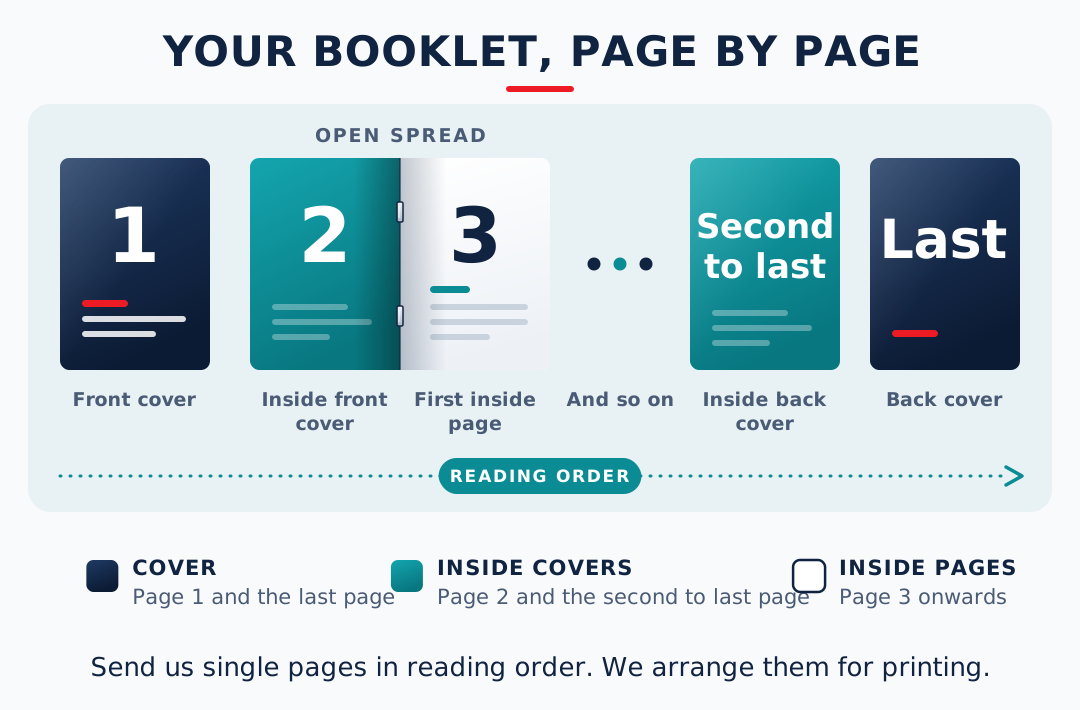
Please send your booklet as single pages in reading order: page 1, page 2, page 3 and so on. We arrange the pages for printing ourselves, so the booklet comes out in the right order and the folding and stapling line up.
Here's how your pages make up the booklet:
- Page 1 and the last page make up the cover.
- Page 2 and the second to last page are the inside covers.
- Page 3 onwards are the internal pages.
We're assuming the page order in your PDF is final. If your file is already arranged as printer spreads, we can still use it, but please tell us before you send. We'd rather start from single pages.
Set up the artwork
- Use a final PDF, ready to print.
- Choose the finished size. If you're unsure, our guide to common paper sizes will help.
- Add bleed to any artwork that runs to the edge. Our guide to crops and bleeds explains how.
- Keep important text and logos well inside the trim edge, so they'll look tidy once the booklet is cut.
- Keep the cover and inside pages as single pages in reading order. Tell us if the cover is on a different stock.
What to send us
- The final PDF.
- The finished size.
- The page count and the quantity.
- The stock for the cover and the inside pages. If you're not sure, tell us what the booklet is for and we'll suggest something.
- The date you need it by, with as much notice as you can give. A large run of booklets, for example 400 booklets of 40 pages, goes through our production side and takes 5 to 7 working days. Smaller runs are printed digitally, so they don't need as much time.
We don't publish a price list because the cost depends on quantity, stock and binding. Send the details through our job enquiry form and we'll quote. You can see everything we offer on our print services page.
Common questions
How many pages can a saddle-stitched booklet have?
For a black and white booklet on standard 80gsm paper, we can saddle stitch up to 72 pages. For a digital colour booklet with a card cover and 100gsm inside pages, the limit is 80 pages. Large runs that go through our production side can be saddle stitched up to 60 pages. If you have more pages than that, or a different stock, we'll let you know and talk through other binding options with you before anything is printed. For production runs over 60 pages, that is usually perfect binding, which needs more time, so please talk to us early. Send us the page count and the stock you'd like and we'll tell you what works.
Why does my saddle-stitched booklet need a page count divisible by 4?
Each sheet is folded in half, which gives four pages. If your page count isn't divisible by 4, you can add blank pages at the end or in a place you choose, or add extra content pages if you'd rather not have blanks.
Should I send single pages or printer spreads?
Single pages in reading order, please. We arrange the booklet for printing ourselves. If your file is already set up as spreads, we can use it, but please tell us before you send, because we'd rather start from single pages.
What if I have too many pages for a booklet?
We'll let you know, and we can talk through other binding options with you before anything is printed. Send us the page count and the stock you'd like and we'll tell you what works.
Any questions please let us know. Send the details through our job enquiry form or email us at print@riegers.co.nz. Thanks.